Client events are one of the most effective relationship tools a law firm has. But the value of a suite night or a courtside seat depends on what happens after the event, and that follow-up often depends on someone remembering to update the right system.
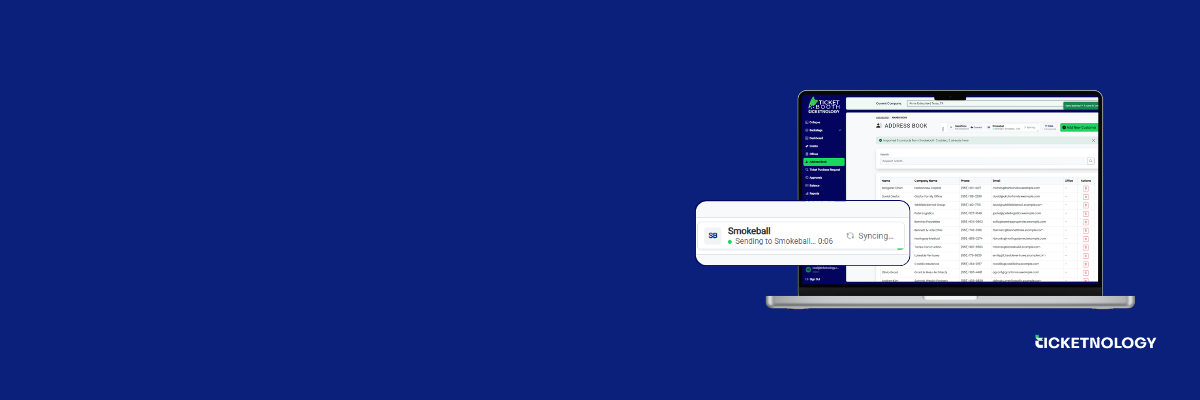
Ticket Booth now integrates with Smokeball, the practice management software built for law firms. Event guests, contacts, and follow-up tasks now move between both platforms with a single click.
Most firms manage event tickets in one place and client relationships in another. Guest lists sit in Ticket Booth. Client records, matters, and tasks sit in Smokeball.
When those systems don’t talk to each other, someone has to bridge the gap by hand: re-entering guest details, creating reminder tasks, and keeping contact lists in sync. That takes time, and the follow-ups that matter most are the easiest to miss.
Once a firm connects its Smokeball account to Ticket Booth, a single click on Sync does three things:
After the initial setup, attendees and follow-up tasks sync to Smokeball automatically every night. There’s no manual re-entry and no spreadsheet to maintain.
A client event only pays off when someone follows up. Connecting Ticket Booth and Smokeball means:
The Ticket Booth integration is now available on the Smokeball Marketplace. Existing Ticket Booth clients using Smokeball can connect their account and run their first sync right away.
Find Ticket Booth on the Smokeball Marketplace, read the setup guide on the Smokeball Support Hub, or contact your Ticketnology team to get started.
Looking for more information or want to schedule a free demo? Let’s chat!
By submitting this form you agree to be contacted and receive additional communication, including emails from Ticketnology.